
Service
Automation and Integrations
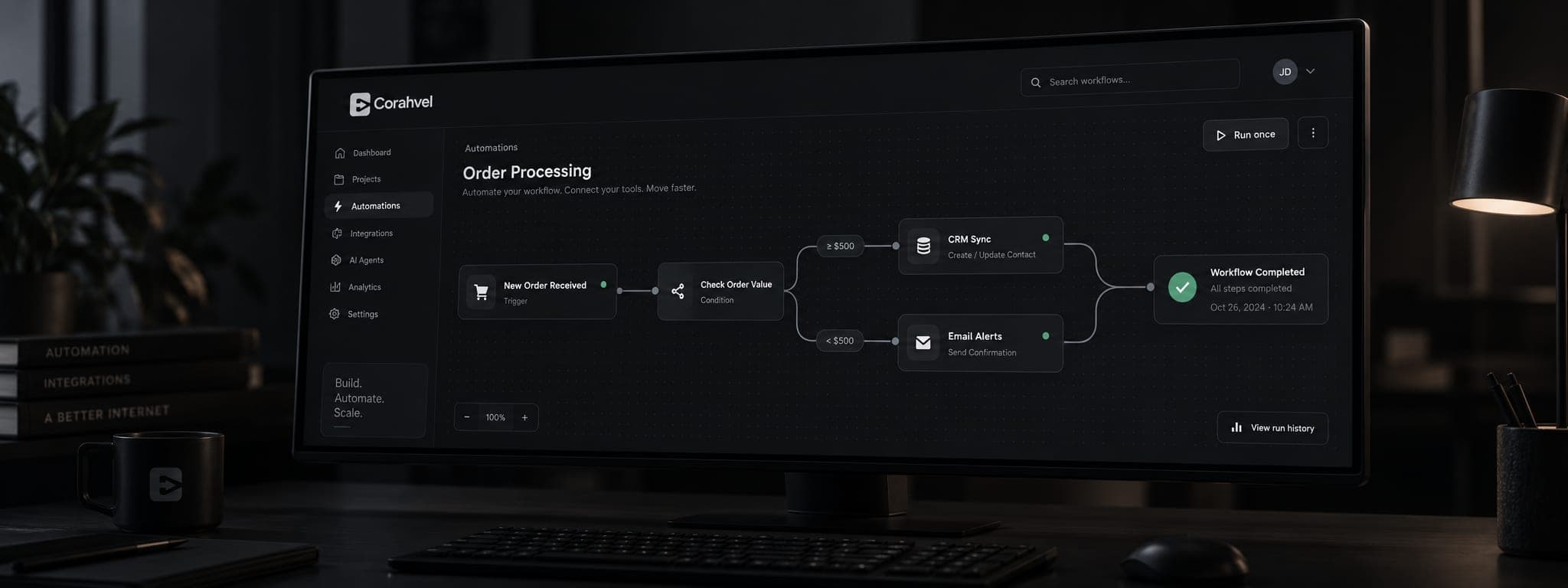
Reduce repetitive manual work by connecting the tools and workflows your business already relies on.
The Problem
What This Solves
- The same manual task is repeated across teams every day
- Leads or enquiries get lost between tools
- Data has to be re-entered across multiple systems
- Notifications and approvals depend on someone remembering to send them
Who It's For
Built For
- Businesses with growing repetitive workload
- Teams juggling multiple disconnected tools
- Companies handling a high volume of enquiries or orders
- Operations wanting fewer manual errors
What's Included
Core Features
How We Work
How We Deliver This
The same sequence on every engagement, so you always know which stage you are in and what happens next.
Measure where the time actually goes
We count how often a task runs and how long it takes before automating anything. Teams are frequently wrong about which task is costing them most, and the numbers settle it.
Fix the process before automating it
Automating a broken workflow produces mistakes faster. Where a step should simply be removed, we say so rather than building around it.
Automate the highest-cost bottleneck first
One workflow is delivered and proven before the next begins, so the saving is visible early and the approach can be corrected cheaply.
Design for the failure case
Every automation has a defined behaviour when an API is down or data is malformed — it alerts a human rather than failing silently. Silent failure is what makes teams stop trusting automation.
Hand over the controls
Your team gets visibility into what ran, what failed, and why, plus the ability to pause a workflow without calling us.
What You Get
What You Receive
- Working automations connecting the tools you already use
- A monitoring view showing runs, failures, and retries
- Alerting that escalates to a person when something needs judgement
- Documentation of each workflow and its failure behaviour
- Credentials and accounts held in your name
- Training so your team can pause, edit, or extend workflows
Typical timeline
A first automation is usually live within 1–3 weeks, with further workflows added once the initial saving is confirmed.
Every project is scoped individually. You receive a specific timeline in writing before any work begins.
The Outcome
Benefits
Fewer manual errors from repeated data entry
Faster response times on leads and enquiries
Systems that talk to each other automatically
More team time spent on work that actually needs a person
Working With Us
Why Clients Stay
Commitments we make on every project — the things we can be held to, rather than claims about ourselves.
Savings you can point at
Because we measure before and after, the result is a number — hours returned per week — not a vague claim about efficiency.
Automation that fails loudly
When something breaks, you hear about it from the system rather than from a customer three days later.
Scope is written down before we start
What is included is agreed up front. Changes are quoted openly rather than absorbed silently or invoiced as a surprise at the end.
Your existing tools survive
We connect what you already pay for instead of pushing a migration that turns a small fix into a large project.
We map where time is actually being lost in the current process, then automate that specific bottleneck first.
See our full processFAQ
Questions About This Service
Usually not. Automation is typically built to connect the tools you already use rather than replace them.
Yes, within the platform rules of each channel — for enquiry routing, notifications, and structured workflows.
We prioritize the repetitive task that costs the most time or causes the most errors, and start there.
Related Services